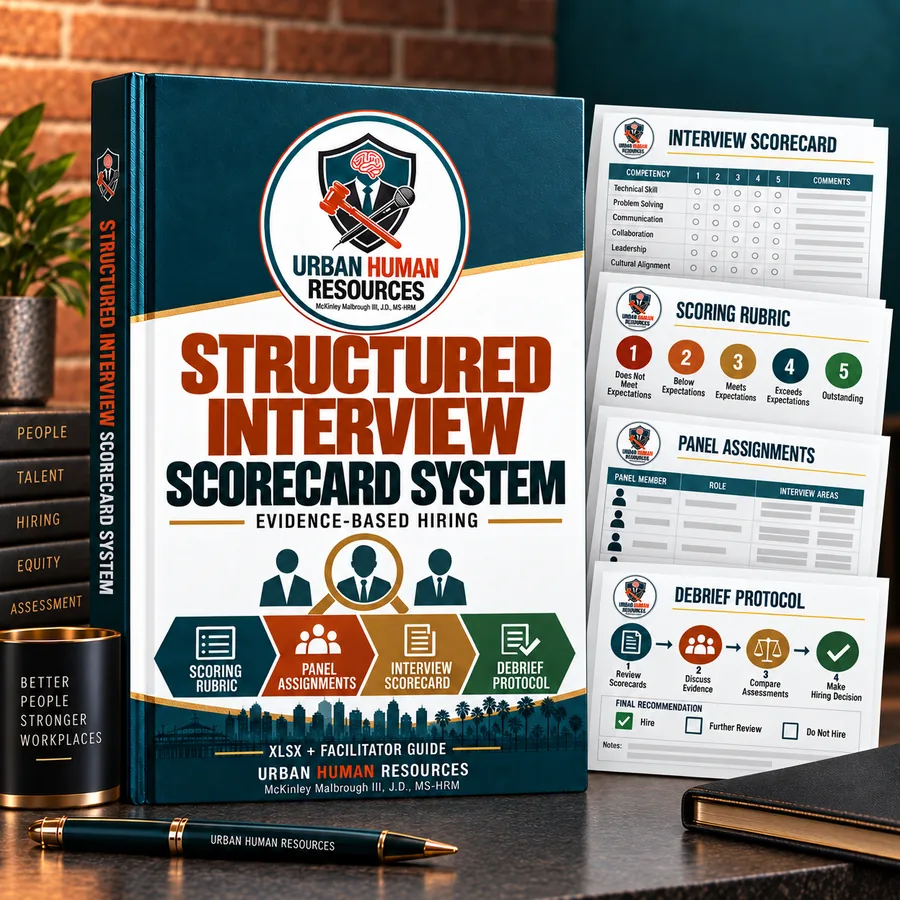
Structured interview scorecard system
Scoring rubrics, panel assignment grids and the debrief protocol that stops hiring decisions turning…
$79 · See it
By McKinley Malbrough III, J.D., MS-HRM
Published October 5, 2026.
Short answer
Start with LinkedIn’s AI-assisted search to draft the filters, then tighten them yourself. Put job title variations in a Boolean string joined by OR, keep hard filters to the two or three true requirements, and use Spotlights such as Open to Work to decide who to message first, which LinkedIn says can raise InMail responses by up to 20%. Save the search with alerts on, and avoid filters that stand in for age, such as graduation year, which create risk under California law.
I wrote how recruiters search LinkedIn for job seekers who want to be found. This one is for the other side of the screen: the small business owner, hiring manager or first HR hire who just bought a LinkedIn Recruiter seat and is getting either 40,000 results or nine. Both mean the search is built wrong. These five fixes are the ones I walk clients through first.
Yes, as a first draft. LinkedIn Recruiter lets you type your hiring needs in plain language, or paste a job description, and its AI builds the search filters for you (LinkedIn Recruiter features). It is fast, and it often surfaces title variations you would not have thought of.
But read what it built before you trust it. AI-assisted search maps your words onto the same filters you could set by hand, and it tends to add requirements you did not ask for, such as a years-of-experience range lifted from your job description. Open the filter panel, delete anything that is not a real requirement, and then run it. That five-minute edit is the difference between a search that works and one that quietly excludes your best candidates.
Put it in the Keywords field. LinkedIn Recruiter accepts Boolean strings there, and the rules are short (LinkedIn Boolean search help):

Here is a string I would start with for an HR generalist role:
("HR generalist" OR "people operations generalist" OR "HR business partner" OR HRBP) NOT (intern OR "talent acquisition")
The mistake I see most is searching one job title. Companies name the same job a dozen ways. A string that lists the four or five real variations finds the person whose last employer called them “People Partner” instead of “HR Generalist.”
Use as few hard filters as the job truly requires: usually location or work arrangement, and one or two must-have skills. LinkedIn Recruiter offers more than 40 filters, and Recruiter Lite offers more than 20. Every one you add removes people, and most of them remove good people for bad reasons.
In California, some filters also create legal risk. The state’s Fair Employment and Housing Act bars employment decisions based on age for workers 40 and older, along with a long list of other characteristics. Graduation year is the classic stand-in for age: filtering to people who graduated after 2015 screens out older candidates as effectively as asking their birth date. Tight years-of-experience caps do the same thing. Search on the skills the job needs, not the career length that usually comes with them.
LinkedIn has a built-in check worth using here: Recruiter can notify you when your search results skew heavily male or female, so you can see whether a filter is narrowing the pool in a way you did not intend.
Use Spotlights. After your filters run, Spotlights sort the results by signals of interest: candidates who are open to work, who have engaged with your company on LinkedIn, who applied to your jobs before, or who are connected to your employees. LinkedIn says reaching out to candidates found through Spotlights can raise InMail response rates by up to 20% (LinkedIn).

Use Spotlights to decide who to message first, not as a filter that throws everyone else out. The best candidate for your role may be employed, not looking, and happy to talk once someone asks.
Save it and turn on alerts. A saved search with alerts sends you new profiles that match as they appear, so you stop rebuilding the same search every Monday. Save it inside a project for the role, so your shortlist, messages and notes stay in one place and the next person who picks up the search can see what you already tried.
Then measure it. If three weeks of InMails produce no interviews, the search is not the problem. The message, the pay range or the role probably is. A posting without a range is the first thing I check, because California requires one for employers with 15 or more employees.
A good search fills the top of the funnel. It does not decide who gets hired. That is the job of a recruiting process with a defined role, a fixed set of interview questions and a scorecard every interviewer fills out, so you compare candidates on the same evidence. If you are widening your search beyond the usual résumés, read whether to drop the degree requirement, and when you are ready to interview, how to vet candidates and my structured interview scorecards give you the evaluation side.
McKinley holds a J.D. but is not a licensed attorney. Articles here are general information, not legal advice. For your specific situation, talk with an employment attorney.
Data current as of September 2026. Sources are linked where each figure appears.
From the store
Structured interview scorecard system
Scoring rubrics, panel assignment grids and the debrief protocol that stops hiring decisions turning…
$79 · See it
This article is general information, not legal advice. Laws change and every situation is different; for advice on yours, talk with an employment attorney.
Related questions
First-Generation Professionals
September 21, 2026
Recruiters search LinkedIn by title, skills and location, then decide from one line of your profile. How the search works and what to change.
October 5, 2026
The median job takes about 44 days to fill, and most companies never measure whether the hire worked. Recruiting best practices for small businesses, from the intake meeting to a signed offer.
October 1, 2026
Use at least two sourcing channels, score every candidate on the same job-related questions, and know where referrals help and where they quietly narrow your pool.