AI Social Media Management System: Plan, Write, Schedule and Review Prompts
Run several social accounts from one system: audit, strategy, calendar, captions, comment replies, reviews…
$39 · See it
Store · AI systems and platform starter kits
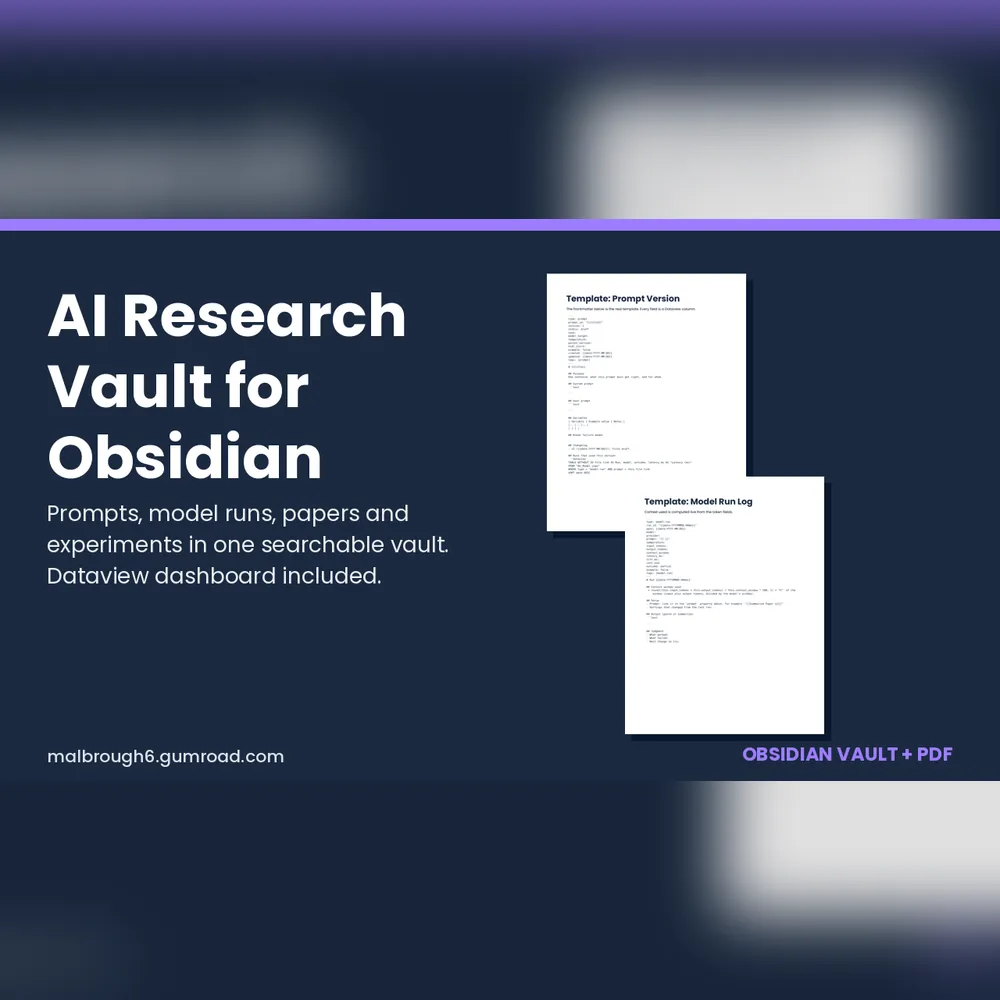
A ready to open Obsidian vault that tracks prompt versions, model runs, papers and experiments, with a Dataview dashboard.
$19
Checkout and instant delivery by Gumroad. Your download link appears right after payment and is emailed to you.
Digital product. Refund terms apply: see our refund policy.
Stop losing track of which prompt, which model and which paper led to which result. AI Research Vault is an Obsidian vault that keeps your prompt versions, model runs, literature notes and experiments connected, with a dashboard that answers the questions you actually ask.
AI engineers who iterate on prompts, researchers who read papers and run comparisons, and developers who want to know which model was slow, which run filled the context window, and which prompt version actually won.
Model, provider, linked prompt, temperature, input tokens, output tokens, context window, first token time, latency, cost and outcome. Context window used is calculated inside the note.
It does not call any model, import logs automatically or sync for you. You paste numbers in. Sample notes use made up numbers and generic model names, so nothing in the vault is a benchmark. The Dataview plugin and Obsidian are separate free tools made by other developers. The dashboard queries follow the documented Dataview syntax and the files were checked by script, but they were not run inside Obsidian before release, so tell us within 14 days if anything does not load.
One ZIP: the vault folder (plain Markdown, JSON and Canvas files) and a PDF guide.
Digital products: no refunds once downloaded. A corrupted, incomplete or not-as-described file reported within 14 days of purchase is replaced or refunded in full. Refunds return to your original payment method within ten business days.
Pairs with
AI Social Media Management System: Plan, Write, Schedule and Review Prompts
Run several social accounts from one system: audit, strategy, calendar, captions, comment replies, reviews…
$39 · See it
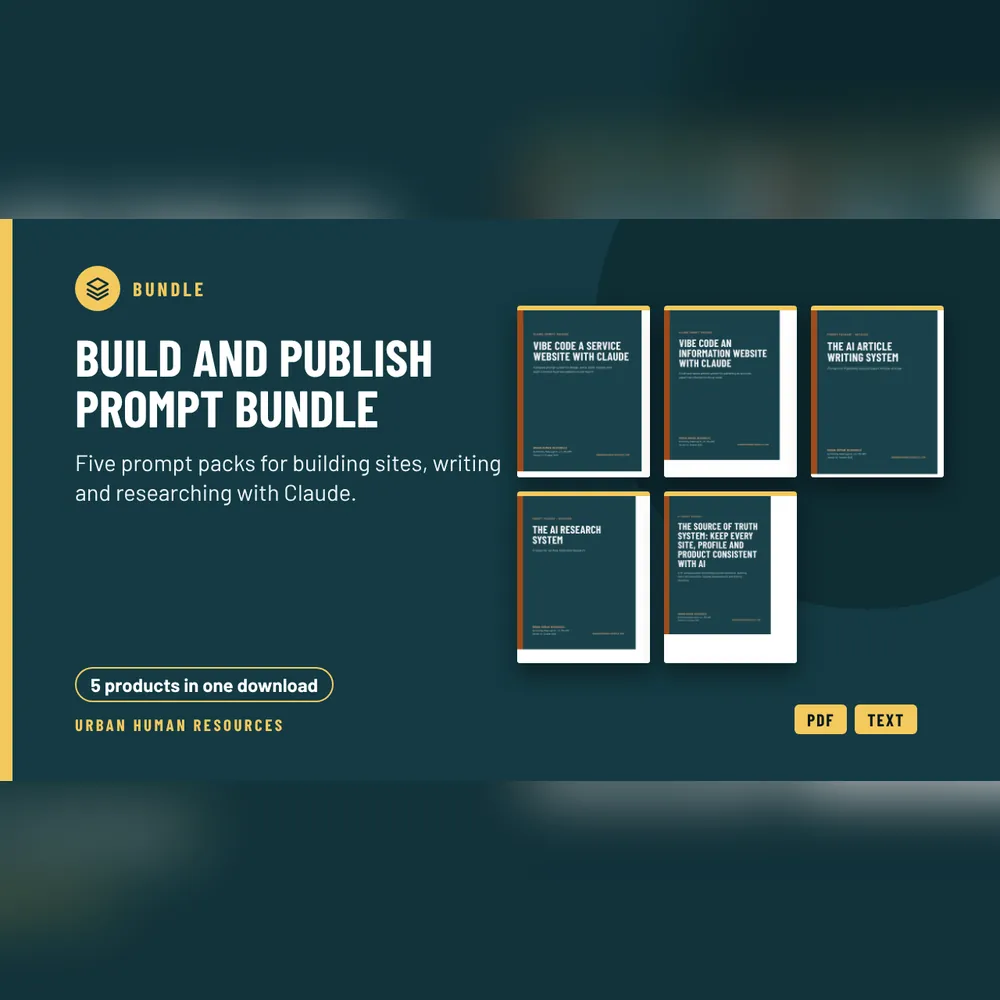
Build and Publish Prompt Bundle: 5 Claude Prompt Packs
Five prompt packs for building sites, writing and researching with Claude, bought together. Each…
$129 · See it
All digital products | Read the articles | Book a free consult